Cycles
Overview
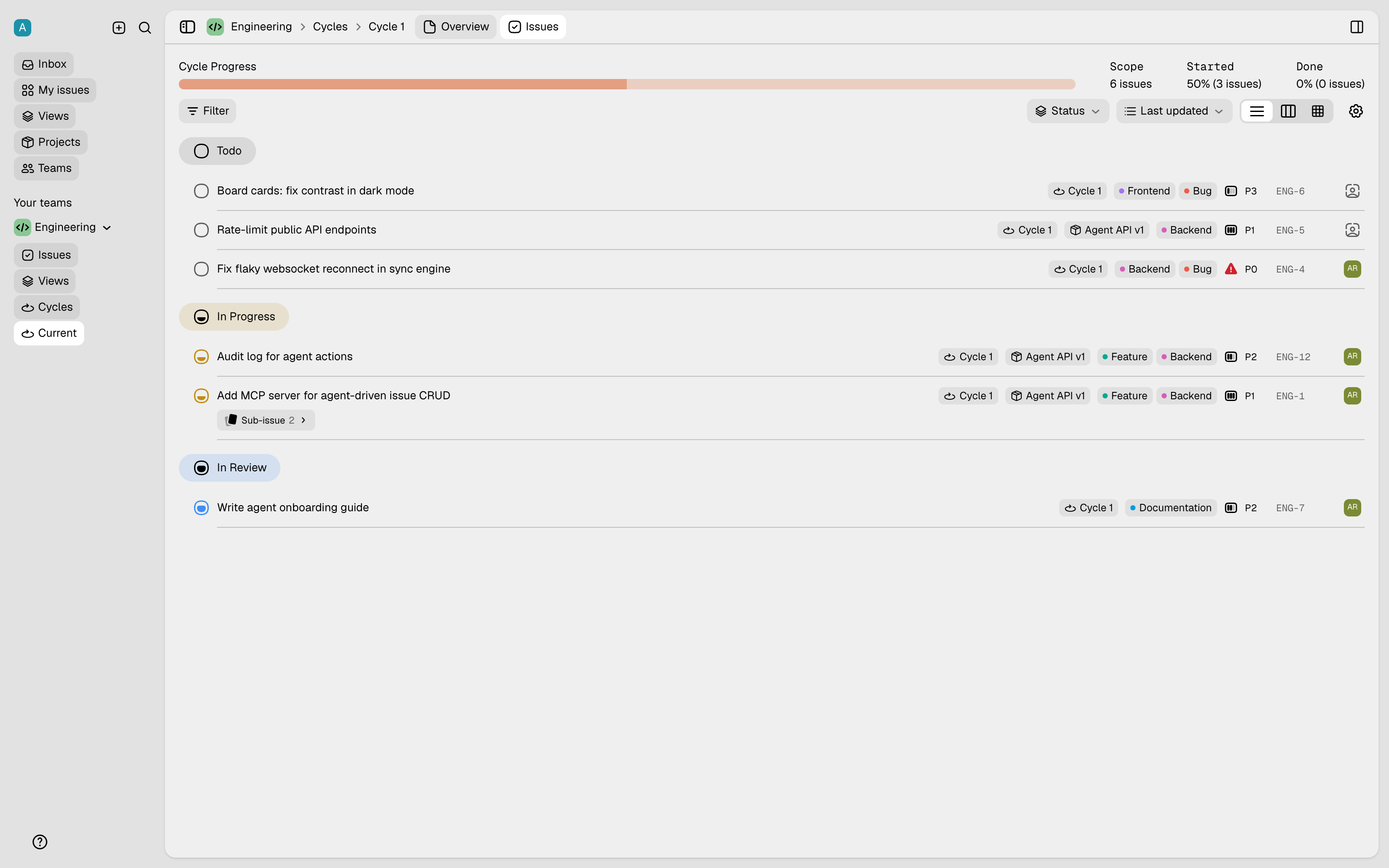
A cycle is a fixed period of time, and some teams call it a sprint. A cycle helps a team to give its attention to one part of the work. The cycle view of the team shows the issues in the active cycle. The view also shows the progress of the team, because each issue moves through the workflow.
How to enable cycles
Each team enables cycles for itself:
- Open Settings → your team → Overview.
- Under Team preferences, enable cycles.
A Cycles entry then appears in the sidebar of the team, and each issue gets a cycle property.
How to use cycles
- Assign an issue. Set the cycle in the properties panel at the right of the issue. You can also set the cycle for many issues together, from the list view or the board view.
- See the progress. The view of the active cycle groups the issues by status, so you see the work that is not complete.
- Move between cycles. A team with the automatic cadence needs no manual step. A scheduled job in the server completes each cycle after its end date. The job then moves the unfinished issues, as the preference of the team tells it to, and it makes more future cycles. A team that controls its cycles manually keeps full control, and the job never changes it. Read Scheduled jobs.