Projects
Overview
A project groups the issues that give one larger result: a launch, a change to the design, or a plan with milestones. A cycle divides the work by time. A project divides the work by goal, and a project can include more than one team.
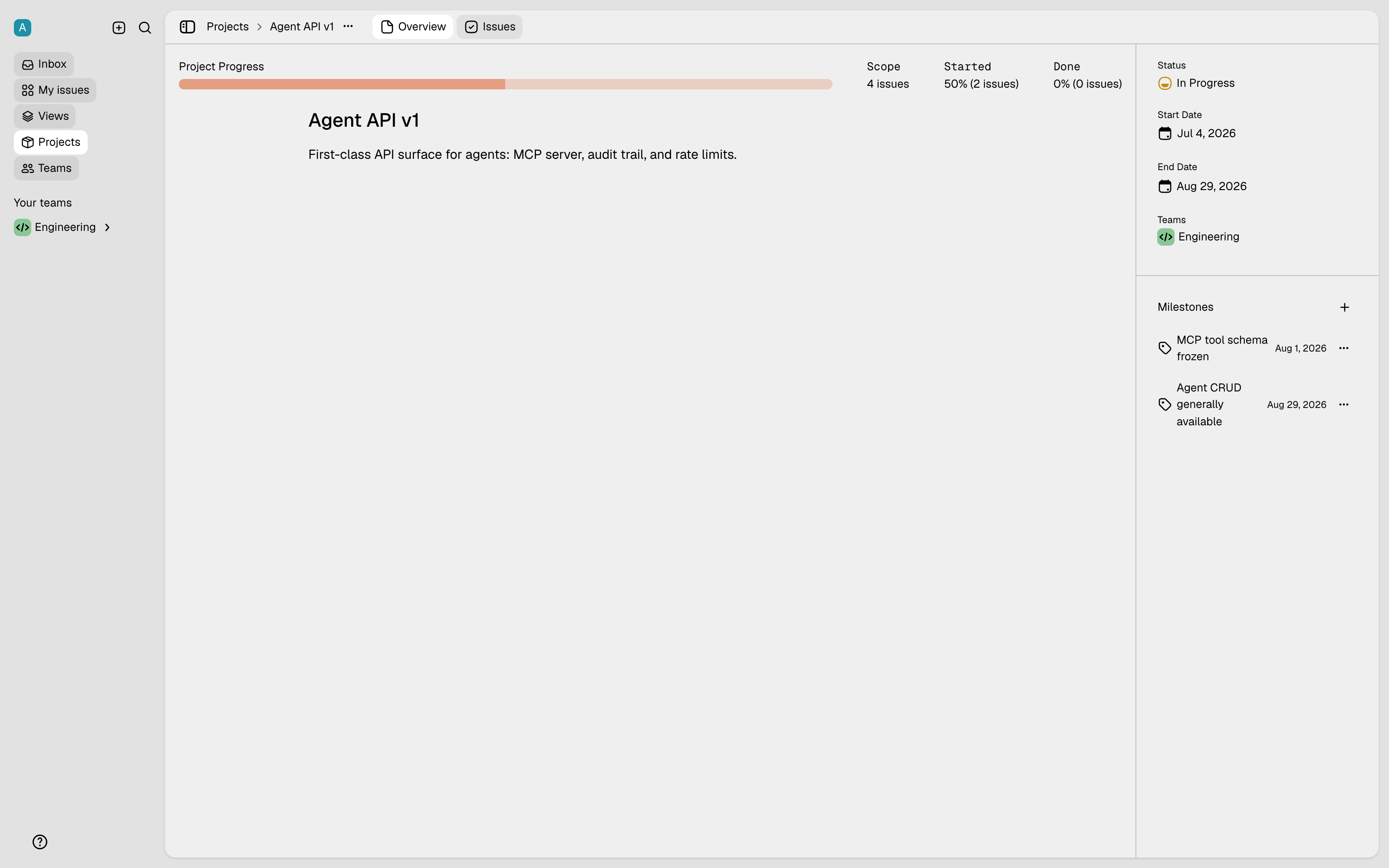
How to create a project
Press the + next to Projects in the sidebar. You can also use the command bar. A project has these properties:
- A name and a description. The description is a full rich-text document. You therefore keep the plan, the context, and the decisions with the project.
- A status. For example: Backlog, Planned, In Progress, or Completed.
- Two dates. The start date and the target date show the progress against a deadline.
- The teams. An issue can belong to this project only if its team is in this list.
How to use projects
- Assign an issue. Set the project in the properties panel of the issue. You can also set the project when you create the issue.
- Add milestones. Divide a project into milestones, and assign the issues to them. Each milestone is then a target between the start and the end.
- See the progress. The project view calculates the progress from the status of the issues. It also shows the full list of the issues in the project.